Work Comfort That Folds Away

Today we explore ergonomic best practices for compact, stowable workstations, transforming tight corners and fold-down desks into healthy, productive zones. Expect practical, evidence-based guidelines on posture, reach, and visual comfort, plus portable tools and tidy routines that protect your body, sharpen focus, and collapse neatly when you are done. Whether you commute with a laptop or share a multipurpose room, you’ll find adaptable ideas that fit, support, and move with you.

Posture Foundations for Small Spaces

Smart Layouts That Pack Flat

A fold-away station rewards deliberate placement and repeatable rituals. Build a compact footprint by separating display height from typing height, keeping cables tame, and anchoring your most-used tools within a short, relaxed reach. Use stackable or collapsible supports so you can rebuild alignment quickly tomorrow. The goal is a predictable layout that assembles in minutes, protects your joints, and vanishes without leaving chaos behind your productive day.

Movement, Breaks, and Micro-Stretches

Even the most ergonomic compact station cannot replace movement. Build breathers into your day to refresh circulation, eyes, and attention. Short, frequent pauses outperform occasional marathon stretching sessions. Pair timers with transition cues, like closing an application or finishing a paragraph. Instead of heroics, seek simple, repeatable motions that slide easily into your workflow. Mobility becomes your portable accessory, folding into the same ritual that sets and stows your workspace.

Seating and Foot Support That Disappears

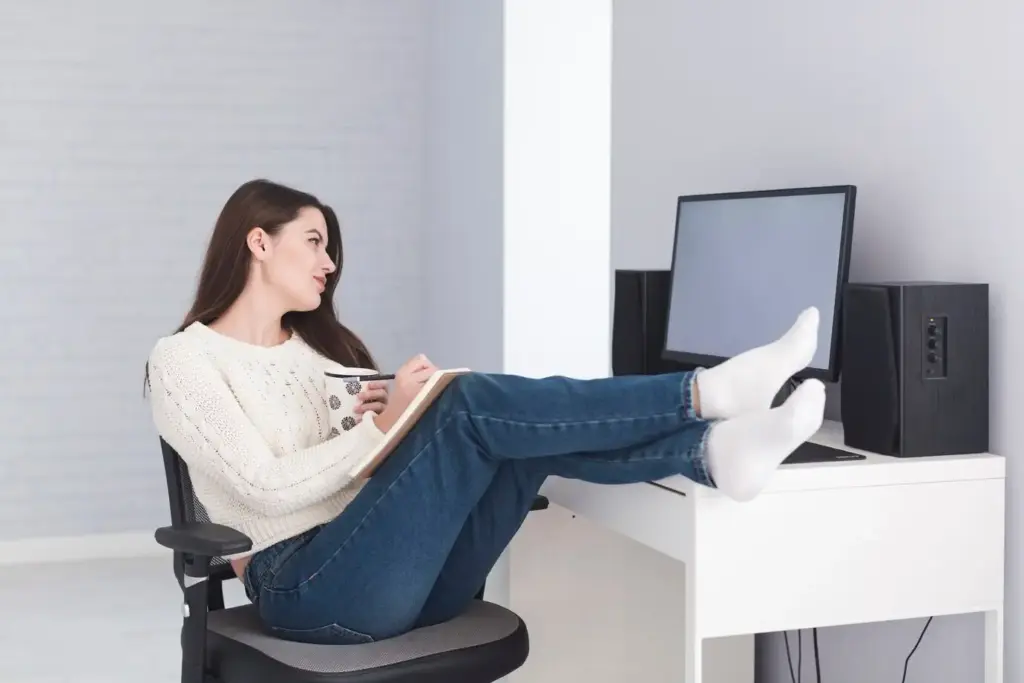
Comfortable seating in a small home or shared studio often means modular pieces that slide under a bed or into a closet. Choose stable, compact options that maintain a supportive angle between one hundred and one hundred ten degrees at the backrest, with hips slightly above knees when possible. A slim footrest can anchor posture at variable desk heights. By pairing portability with support, you safeguard alignment without surrendering space.

Portable chairs with real lumbar support

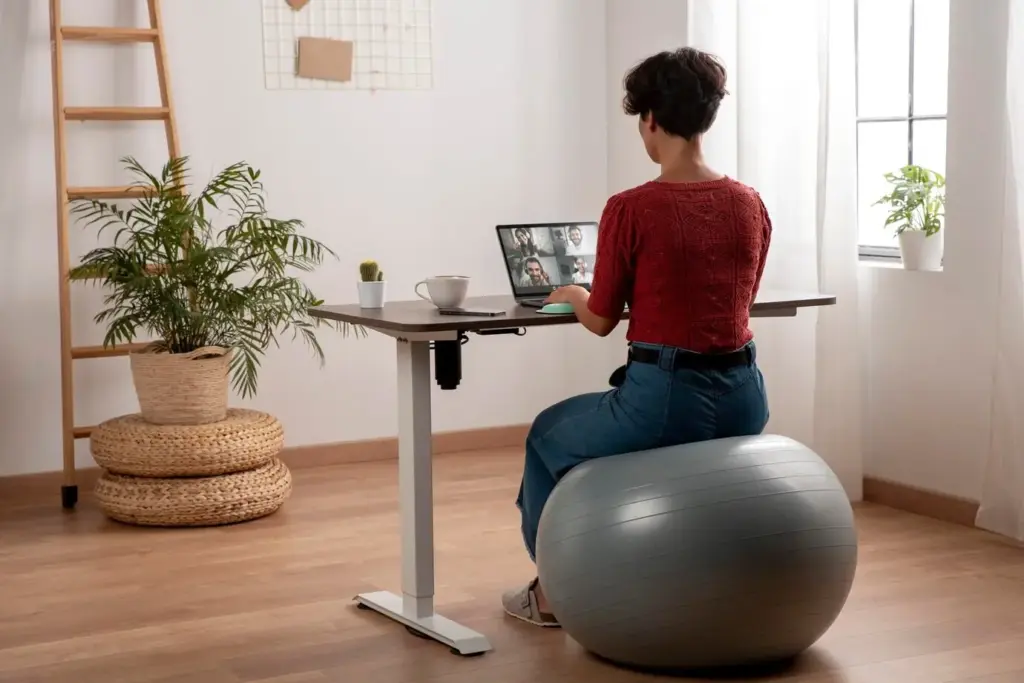
A folding chair can still cradle your lumbar curve when paired with a thin cushion or inflatable roll that packs flat. Test seat height so thighs rest roughly parallel and weight spreads across the sit bones, not the tailbone. If a dedicated chair is impossible, combine a sturdy stool with a separate back support against a wall. Reliable cues, like taped floor marks, help you recreate the sweet spot every single session.

Footrests and the magic of grounded feet

Dangling feet strain the lower back and hamstrings, which is why a collapsible footrest or dense yoga block can be transformative. Aim for knees near ninety to one hundred degrees, feet fully supported, and toes relaxed. With a stable base, your upper body releases unnecessary tension. Label the footrest height that suits you, then slide it under storage furniture when done. Grounded feet deliver immediate, portable comfort at any compact desk.

Seat depth, edges, and happy hips

Allow two to three finger widths between the seat edge and the back of your knees to maintain circulation in a petite chair. If the pan is too deep, add a small cushion behind the lower back to shorten the effective depth. Slightly opening the hip angle eases pressure through the lumbar region. When packing away, keep the cushion nested with your keyboard so ergonomic alignment reappears exactly where you left it.

Lighting, Sound, and Air for Focus

Environmental factors can make a compact station feel expansive or claustrophobic. Use adjustable, clamp-on lighting to direct brightness where it is needed while folding away between tasks. Soften echo with rollable rugs, curtains, or even a folded blanket behind your chair. Keep a quiet fan or window routine for fresh air. These subtle layers reduce strain, tame distractions, and protect your attention so small rooms can support big ideas.

Clamp-on task lights that travel well

Choose a light with adjustable color temperature to harmonize with daylight or evening work, minimizing glare on glossy screens. Clamp it to a shelf or fold-down surface so it packs flat when not needed. Aim for balanced illumination across your keyboard and notes to reduce eye strain. Label your preferred arm angles with discreet markers, preserving repeatability. A predictable light recipe protects focus without requiring permanent fixtures or complicated rewiring.

Quieting noise with soft, stowable layers

Hard surfaces amplify distractions, but portable, soft elements buffer sound without permanent renovation. A small rug, fabric panel, or collapsible screen can lower reverb and tension, improving speech clarity on calls. Keep these items rolled or folded with your gear to deploy in seconds. Pair them with comfortable headphones that do not clamp excessively. The result is an acoustically calmer bubble that respects roommates, neighbors, and your concentration alike.

Fresh air, temperature, and steady energy

A brief window opening between meetings can refresh oxygen and mood, especially in compact spaces. Keep the workstation away from direct drafts to avoid stiff shoulders. Moderate temperature reduces fatigue and discourages poor posture from huddling or slouching. If airflow is limited, a quiet, low-profile fan angled past you, not at you, can help. Comfortable environments sustain attention, making portable ergonomics feel effortless and repeatable day after day.

Real-World Wins, Common Pitfalls, and Your Turn
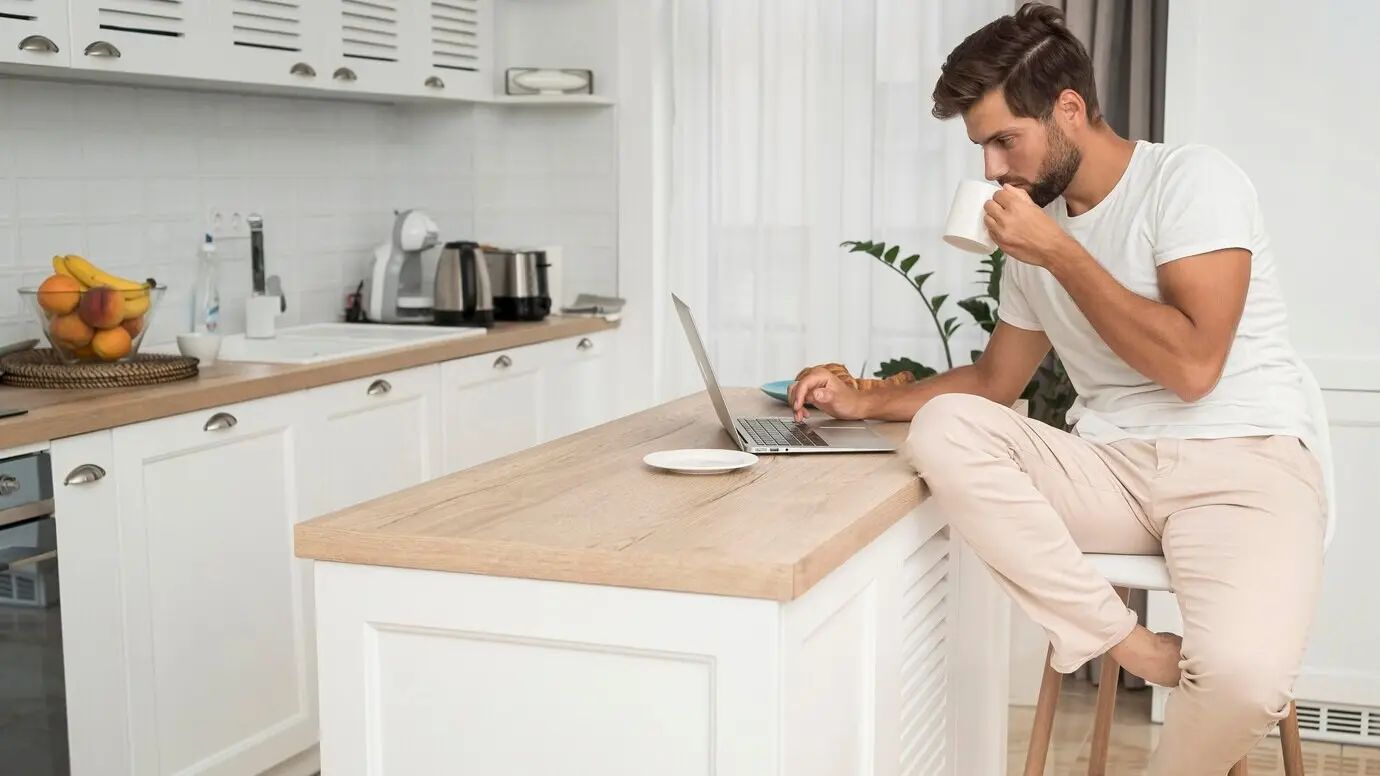
Stories show how small decisions add up. A renter with a wall-mounted folding desk eliminated neck pain by adding a travel keyboard and marking screen height with tape. Another finally enjoyed longer writing sessions by grounding her feet on a collapsible block. Learn from these quick victories, avoid predictable mistakes, and share your own experiments so we can refine compact, stowable comfort together and keep progress rolling week after week.

A studio apartment success you can copy today

Working beside a kitchenette, Marcus raised his laptop on a slim riser, paired it with a split travel keyboard, and used a foldable stool as a footrest. He marked positions with tiny dots, cutting setup time to seconds. Eye strain dropped after adopting the twenty-twenty-twenty guideline. His station vanishes into a drawer before dinner, yet his posture and output consistently improve, proving portability and genuine comfort can happily coexist.

Mistakes that sneak in and simple fixes

Common traps include letting the keyboard drift too far, parking the mouse above elbow height, and ignoring glare from a nearby window. Fixes are modest: shorten reach, raise the screen, and angle lighting thoughtfully. Build a habit of end-of-day notes about any tension you felt, then adjust one detail tomorrow. Iteration beats perfection, especially in small spaces where one centimeter often separates strain from sustainable, repeatable alignment.

Interactive checklist and community invitation

Before work: elevate the screen, center the keyboard, ground your feet, and test brightness. During work: move often, relax the shoulders, and practice the twenty-twenty-twenty reset. After work: stow gear methodically and log one observation. Share your wins and questions in the comments, subscribe for weekly, space-savvy ergonomics, and help refine a practical library of setups that travel, fold, and still feel remarkably supportive every single day.
Mimikuzekuzapakumu
Privacy Overview

This website uses cookies so that we can provide you with the best user experience possible. Cookie information is stored in your browser and performs functions such as recognising you when you return to our website and helping our team to understand which sections of the website you find most interesting and useful.